How to Choose the Best Laptop in Jamaica: MacBook vs. Windows (2026 Buying Guide)

Buying a laptop in Jamaica requires more than comparing brands and screen sizes. The correct choice depends on your software, workload, mobility requirements, budget, support expectations, and future plans.
MacBook and Windows laptops both provide reliable options in 2026. Neither platform is suitable for every user. A student completing assignments may need portability and battery life. A business may require Microsoft applications, specialized software, fleet management, or formal support. A creative professional may prioritize display quality and processing performance.
This guide outlines the main differences and provides a practical specification checklist for shoppers, schools, businesses, and institutional buyers.
Start with the workload
Before comparing Apple products with Windows laptops, document how the device will be used.
Student requirements
Typical student workloads include:
- Web browsing and online research
- Google Classroom, Canvas, email, and video meetings
- Microsoft Word, Excel, and PowerPoint
- PDF reading and document submission
- Light coding, design, or video editing
- Occasional entertainment and gaming
A portable 13-inch or 14-inch laptop is suitable for students who travel between home, school, and study locations. A 15-inch display provides more working space for spreadsheets, design applications, and split-screen study.
Business requirements
Business users should evaluate:
- Microsoft 365 and line-of-business applications
- Accounting, inventory, CRM, or ERP software
- Large spreadsheets and document libraries
- Video conferencing and collaboration tools
- Data security and user access controls
- Warranty, repairs, and replacement procedures
Businesses should not purchase solely on processor speed. The procurement decision should include deployment, asset tagging, warranty documentation, support response, and replacement planning.
MacBook vs. Windows: the main differences
Operating system and software compatibility
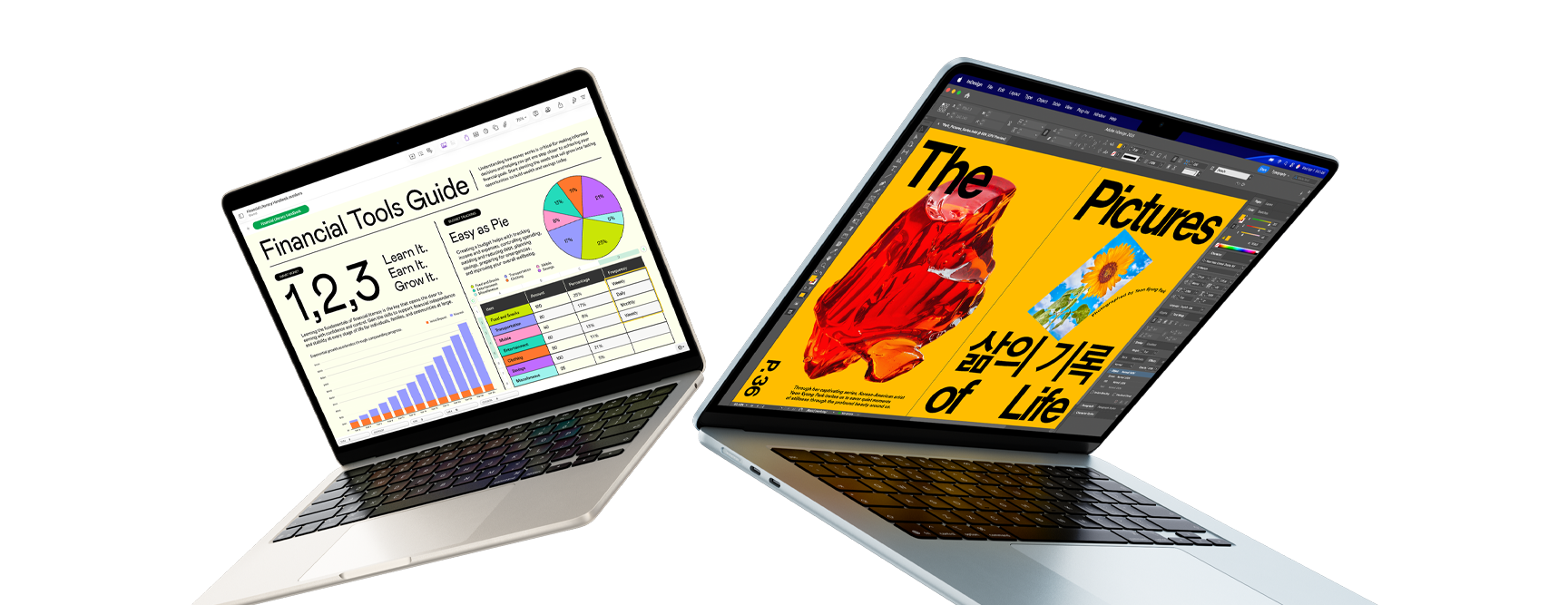
MacBook runs macOS. Windows laptops run Windows 11 or another supported Windows edition.
MacBook is a strong fit when the required applications are available for macOS. It supports common productivity, communication, design, development, and creative applications. It also integrates efficiently with iPhone and iPad through features such as file sharing, device continuity, and iPhone mirroring.
Windows provides broader compatibility with business applications, technical software, accessories, peripherals, and institutional systems. It is the safer choice when an application is specifically designed for Windows or when an organization uses Windows-based administration tools.
Compatibility decision: Confirm every essential application before purchasing. Check with your school, employer, software provider, or IT department.
Battery life and mobility
The current MacBook Air with the Apple M5 chip is listed by Apple with up to 18 hours of battery life. The actual result depends on brightness, applications, video calls, wireless use, and system settings.
Windows battery performance varies significantly by manufacturer, processor, display, battery capacity, and configuration. Premium Windows laptops can provide strong mobility, while performance and gaming models generally consume more power.
For daily commuting, campus use, or mobile business work, assess:
- Manufacturer battery rating
- Real-world reviews for the exact configuration
- Charger size and weight
- USB-C charging support
- Availability of local replacement chargers
Hardware variety
Windows covers a wider range of designs and price points. Available formats include:
- Traditional laptops
- 2-in-1 convertible systems
- Touchscreen devices
- Gaming laptops
- Mobile workstations
- Business-class laptops
- Desktop computers and all-in-one systems
MacBook offers a more focused product range, including MacBook Air and MacBook Pro. This simplifies the selection process but provides fewer hardware formats. MacBook models do not offer touchscreen displays, and memory and internal storage should be selected carefully at the time of purchase.
Gaming and graphics
Windows is the practical choice for serious PC gaming. It supports a wider range of games, graphics cards, gaming accessories, and performance configurations. Buyers should look for a dedicated NVIDIA or AMD graphics processor, 16GB or more of RAM, and at least a 512GB SSD for a gaming system.
MacBook supports selected games and delivers strong graphics performance for many creative and productivity tasks. It is not the default recommendation for users whose primary requirement is a large PC gaming library.
Upgrades and serviceability
Some Windows business and performance laptops permit SSD or memory upgrades. Many thin Windows laptops have soldered components, so this must be confirmed for the exact model.
Modern MacBooks generally require the correct memory and storage configuration at purchase. A 16GB/512GB configuration is a more practical baseline than an entry-level configuration for users who expect to keep the device for several years.
Regardless of platform, use protective equipment and establish a repair process. A damaged screen, charging port, keyboard, or battery can interrupt school or business operations.
Recommended laptop specifications for 2026
For most Jamaican shoppers, the following specifications provide a practical starting point.
Standard student or office configuration
- Modern Apple silicon, Intel Core Ultra, AMD Ryzen AI, or Qualcomm Snapdragon processor
- 16GB RAM or unified memory
- 512GB SSD
- 13-inch to 15-inch display
- Full HD resolution or better
- Wi-Fi 6E or newer where available
- Webcam and microphone suitable for online meetings
- Minimum 8 hours of expected real-world use
Professional configuration
- Higher-tier Apple, Intel, AMD, or Qualcomm processor
- 32GB memory for development, editing, analytics, or heavy multitasking
- 1TB SSD for project files and local applications
- High-quality display with accurate colour reproduction
- Additional USB-C, HDMI, or SD connectivity as required
- Business warranty and documented support coverage
Gaming or workstation configuration
- 16GB RAM minimum; 32GB preferred for demanding applications
- 512GB SSD minimum; 1TB preferred
- Dedicated NVIDIA or AMD graphics
- Effective thermal design
- High-refresh-rate display for gaming
- Upgradeable storage or memory where possible
Avoid purchasing based on processor branding alone. Confirm the complete configuration. Two laptops with the same model name may have different memory, storage, displays, and warranty terms.
Which option is better for back-to-school buyers?
Choose a MacBook when:
- The student already uses an iPhone or iPad
- Required school applications work on macOS
- Battery life and low-noise operation are important
- The student needs a portable system for writing, research, presentations, or creative work
- The budget allows for 16GB memory and 512GB storage
The MacBook Air is a practical choice for many students. Apple lists current configurations with 16GB to 32GB unified memory and 512GB to 4TB storage, depending on the model selected.
Choose Windows when:
- The school requires Windows-only applications
- The student needs a touchscreen or 2-in-1 design
- Gaming is a major requirement
- The budget requires more model and price options
- The student needs broader accessory or peripheral compatibility
Windows also provides access to entry-level laptops, premium ultrabooks, gaming systems, and desktop computers. Review the exact specifications before selecting a lower-cost model.
Which option is better for business buyers?
MacBook can be appropriate for executives, consultants, creative teams, software developers, and mobile professionals whose applications support macOS. It is also suitable for organizations with an established Apple device environment.
Windows is often preferable for organizations that depend on Microsoft administration, Windows-only applications, specialized business software, engineering tools, or broad peripheral compatibility.
For business purchases, the operating system is only one part of the decision. The procurement specification should include:
- Device model and exact configuration
- Quantity and delivery schedule
- Warranty duration and coverage conditions
- Serial number and asset documentation
- User setup or imaging requirements
- Security configuration
- Accessories and replacement chargers
- Repair and escalation procedures
- End-of-life data wiping and decommissioning
Applekings provides enterprise IT solutions, including hardware procurement, server deployments, managed support, cybersecurity, and institutional technology sourcing. For government and formal corporate requirements, the government tender and procurement service includes compliance packages, technical specifications, bulk hardware sourcing, staged rollouts, asset tagging, and progress reporting.
Buying laptops in Jamaica: practical checks
Confirm warranty documentation
Request the warranty terms before payment. Confirm:
- Warranty length
- Covered components
- Service location
- Repair process
- Exclusions
- Expected turnaround time
Manufacturer warranty documentation should be retained with the invoice and serial number.
Check the keyboard and charger
Confirm the keyboard layout before purchase. Also check that the supplied power adapter is suitable for local electrical requirements and supports the correct input range.
Plan memory and storage
Memory and storage affect the useful life of the device. For most users in 2026:
Recommended baseline: 16GB memory / 512GB SSD
A 256GB SSD may be adequate for light users who rely heavily on cloud storage. It provides less room for applications, media, offline files, and operating-system updates.
Consider local technical support
A laptop is an operational asset. Local diagnostics and repairs reduce disruption when a device develops a screen, battery, keyboard, charging, or software issue.
Applekings’ retail and repair services include laptop and desktop sales, software installation, screen replacement, component-level repair, liquid-damage recovery, preventive maintenance, corporate trade-ins, bulk refresh plans, and certified data wiping. The company operates in Kingston and Ocho Rios.

MacBook or Windows: quick decision guide
| Requirement | Recommended option |
|---|---|
| Long battery life and portable study work | MacBook Air |
| Windows-only school or business applications | Windows laptop |
| PC gaming and dedicated graphics | Windows laptop |
| iPhone and iPad integration | MacBook |
| Touchscreen or 2-in-1 design | Windows laptop |
| Large selection of price points | Windows laptop |
| Creative work using macOS applications | MacBook |
| Corporate Windows administration | Windows laptop |
| Formal multi-device deployment | Either platform, based on the approved IT specification |
| Stationary high-performance office work | Desktop computer or workstation |
Select the device by specification, then source it correctly
The best laptop in Jamaica is the system that matches the user’s applications, workload, budget, and support requirements. MacBook provides a controlled Apple ecosystem, efficient performance, strong mobility, and integration with other Apple products. Windows provides broader hardware choice, wider software compatibility, touch and 2-in-1 formats, gaming support, and flexible procurement options.
For a personal purchase, identify the required applications and select at least 16GB memory and 512GB SSD where the budget permits. For business and institutional purchases, prepare a complete technical specification and include delivery, warranty, asset documentation, deployment, repairs, and reporting.
Applekings Jamaica Limited supplies MacBooks, Windows laptops, desktops, accessories, and IT equipment for individuals, businesses, schools, government agencies, and other organizations. The team also provides repairs, technical support, device refresh planning, and structured technology procurement.
Share your requirements with Applekings. Include the intended use, quantity, preferred platform, budget range, required applications, delivery location, and timeline. The responsible specialist can recommend suitable configurations and provide a formal quotation with applicable support and warranty details.